
Add Your Business to Google Maps (Google Business Profile)
In short: To add your business to Google Maps, create a free Google Business Profile (formerly Google My Business). It shows your address, phone, opening hours, website, photos and reviews in Google Search and Maps. The business must be verified; Google chooses the method (video, phone, e-mail or mail).
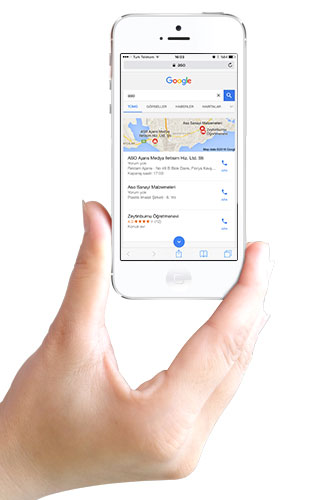
How to create a Google Business Profile
- Sign in at google.com/business.
- Enter the business name and category.
- Add your address if customers visit you, or your service areas.
- Add phone number and website.
- Verify the business with the method Google offers.
- Add hours, logo, photos and services.
Tips for a stronger profile
- Use exactly the same name, address and phone as on your website.
- Add real, current photos.
- Ask customers for reviews and reply to all of them.
- Post updates and keep holiday hours current.
Frequently asked questions
Is listing a business on Google Maps free?
Yes, creating a Google Business Profile is free.
How is a Google Business Profile verified?
Google offers one of video, phone, e-mail or mail verification depending on the business.
How do I rank higher on Google Maps?
Complete your profile consistently with your website, add real photos, collect and answer reviews and keep it updated. Google ranks by relevance, distance and prominence.


Comments (0)