
How to Create an E-mail Blacklist (Block Senders)
@example.com) from the web.aso.com.tr e-mail panel. Gmail, Outlook and iPhone Mail also offer “Block sender”.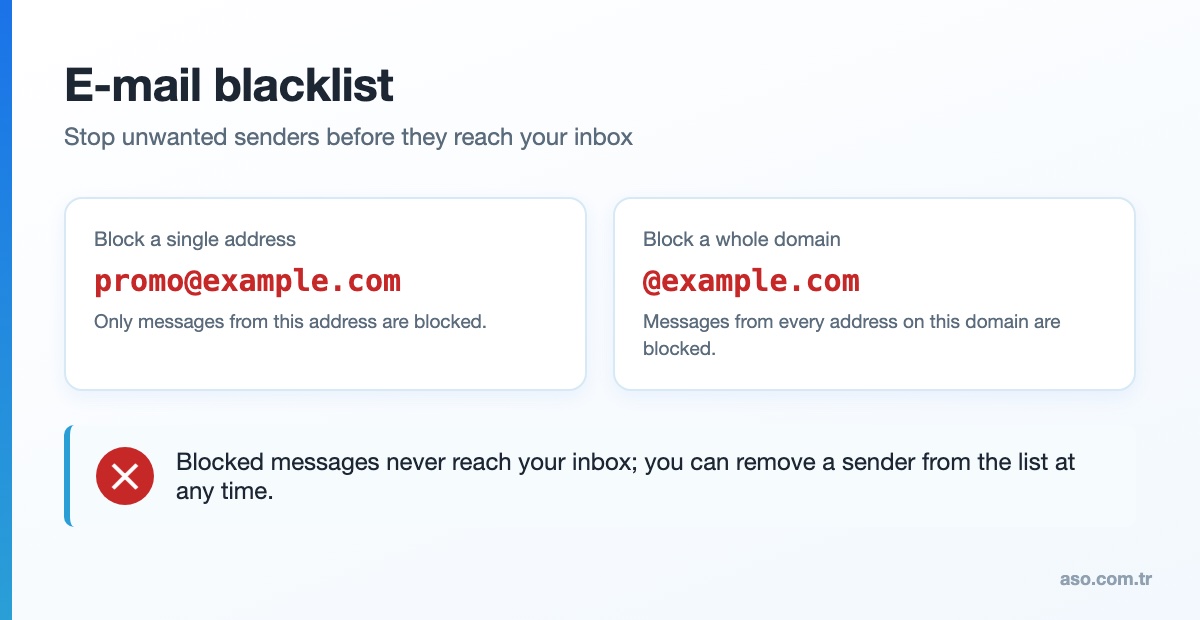
What is an e-mail blacklist?
A list of sender addresses or domains whose e-mails you do not want to receive. Messages from them never reach your inbox – they are rejected, deleted or moved to a separate folder.
Create a blacklist in the ASO Web e-mail panel
Blocking is done on the server, so blocked messages stay away on every computer and phone.
- Log in to the web.aso.com.tr customer panel.
- Open the blocking / blacklist settings of your mailbox.
- To block one address enter it in full:
[email protected] - To block a whole domain enter
@example.com. - Save. To unblock, delete the entry from the same list.
Block senders in mail apps
- Gmail: open the message, More (three dots) > Block “sender”.
- Classic Outlook: Home > Junk > Block Sender.
- New Outlook / Outlook.com: Settings > Mail > Junk e-mail > Blocked senders and domains.
- iPhone Mail: tap the sender’s name > Block this Contact.
Blacklist vs. reporting spam
Reporting spam teaches the filter to recognise similar messages; a blacklist blocks every message from a specific sender. Note that a personal blacklist is different from a mail server’s IP address being listed by organisations such as Spamhaus.
Frequently asked questions
What is an e-mail blacklist?
A list of sender addresses or domains whose e-mails are blocked from reaching your inbox.
Can I block a whole domain?
Yes. Add @example.com to the blacklist in the ASO Web e-mail panel to block every address on that domain.
Does the blocked sender know?
Usually not – their e-mails simply do not reach you.


Comments (0)