
554 5.7.1 Relay Access Denied: Meaning and How to Fix It
With this error you can usually still send to addresses on the same server (e.g. your own company), but not to external addresses such as Gmail or Outlook.com. It appears in your mail program or in a bounce message like this:
Server error: '554 5.7.1 <[email protected]>: Relay access denied'
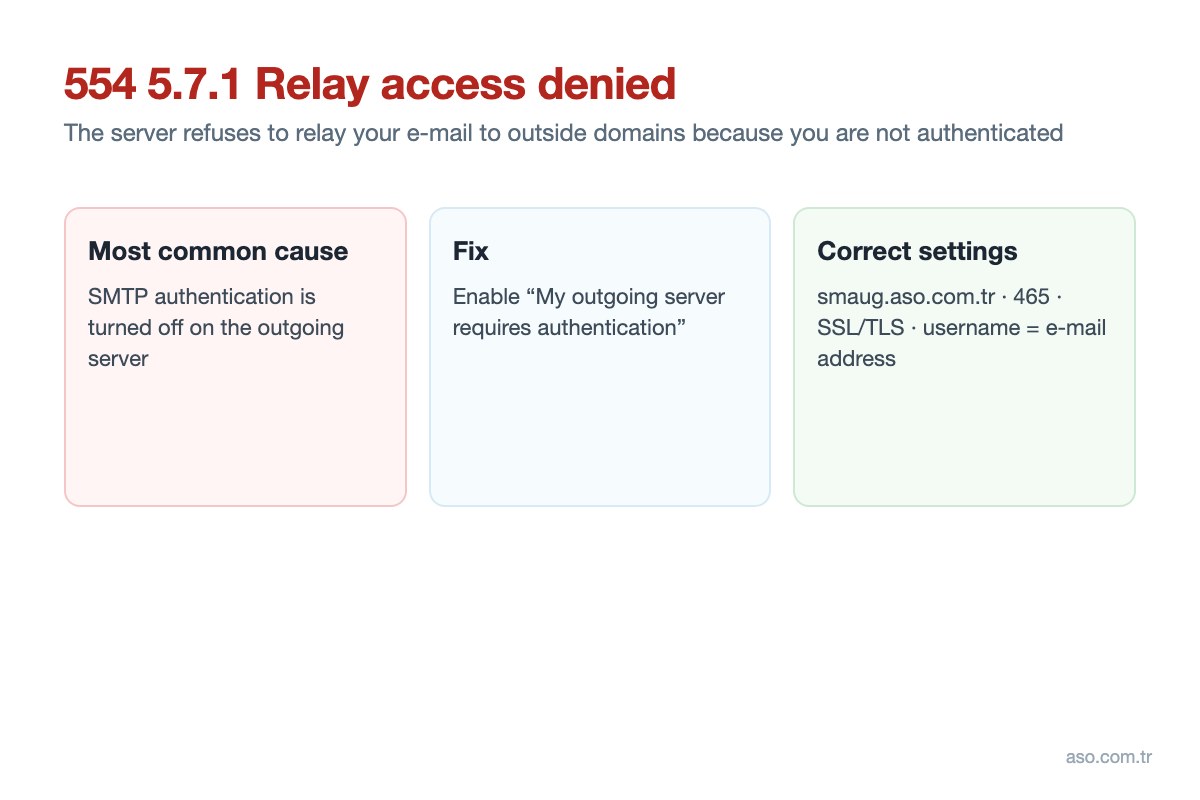
What does “relay access denied” mean?
“Relaying” is when a mail server passes a message on to a server of another domain. Servers do not allow unauthenticated users to send mail to the outside through them (an open relay), otherwise they would be abused for spam. In the error code, 554 is a permanent failure and 5.7.1 means delivery was refused for security policy reasons (delivery not authorised) – see RFC 3463.
Causes
- SMTP authentication is off: the most common cause; the program sends mail without a username and password.
- Wrong username or password: the outgoing username must be the full e-mail address.
- Wrong server or port: another provider’s SMTP server or unauthenticated port 25 is used.
- Domain moved to another server: if the recipient’s server no longer hosts the domain (MX record changed), it may reject incoming mail with this error.
Fix: settings by mail program
Correct outgoing server settings (ASO e-mail accounts):
| Setting | Value |
|---|---|
| Outgoing server (SMTP) | smaug.aso.com.tr |
| Port | 465 |
| Security | SSL/TLS |
| Authentication | On – same username and password as incoming |
| Username | Your full e-mail address |
- Outlook (classic): File > Account Settings > Account Settings > select the account > Change > More Settings > Outgoing Server tab > tick “My outgoing server (SMTP) requires authentication” and “Use same settings as my incoming mail server”. On the Advanced tab set the outgoing port to 465 and encryption to SSL/TLS.
- New Outlook / Windows Mail: when adding the account, enter the SMTP username and password in advanced setup, with port 465 and SSL/TLS. Remove and re-add the account if needed.
- Thunderbird: Account Settings > Outgoing Server (SMTP) > select the server > Edit > Connection security: SSL/TLS, Port: 465, Authentication method: Normal password, User name: your e-mail address.
- iPhone: Settings > Mail > Accounts > your account > Account > SMTP > primary server: username and password filled in, SSL on, port 465. See iPhone email setup.
- Android: “Require sign-in” must be checked in the outgoing server settings. See Android email settings.
After fixing the settings, send a test e-mail to yourself and to an external address (e.g. Gmail). If the problem continues, check your password in webmail; if sending works from webmail, the problem is in your mail program’s settings.
Company E-mail PricesSearch a Domain Name
Frequently asked questions
What does 554 5.7.1 Relay access denied mean?
It means the outgoing mail server refused to relay your e-mail to another domain because you were not authenticated. 554 is a permanent failure and 5.7.1 means the message was refused for security policy reasons.
How do I fix the relay access denied error?
Turn on authentication for the outgoing (SMTP) server in your mail program and enter your full e-mail address and password. For ASO accounts the outgoing server is smaug.aso.com.tr, port 465, SSL/TLS.
Why can I send to my own company but not to Gmail?
Sending to addresses on the same server does not require relaying. Sending to external domains does, so the server asks you to authenticate; if authentication is off, you get this error.
What is the difference between 550 5.7.1 and 554 5.7.1?
Both are permanent errors meaning the message was refused by policy. The exact reason is in the error text; if it says “relay access denied” or “relaying denied”, the fix is to enable SMTP authentication.


Comments (0)