
I Can Send but Not Receive E-mail: 6 Checks
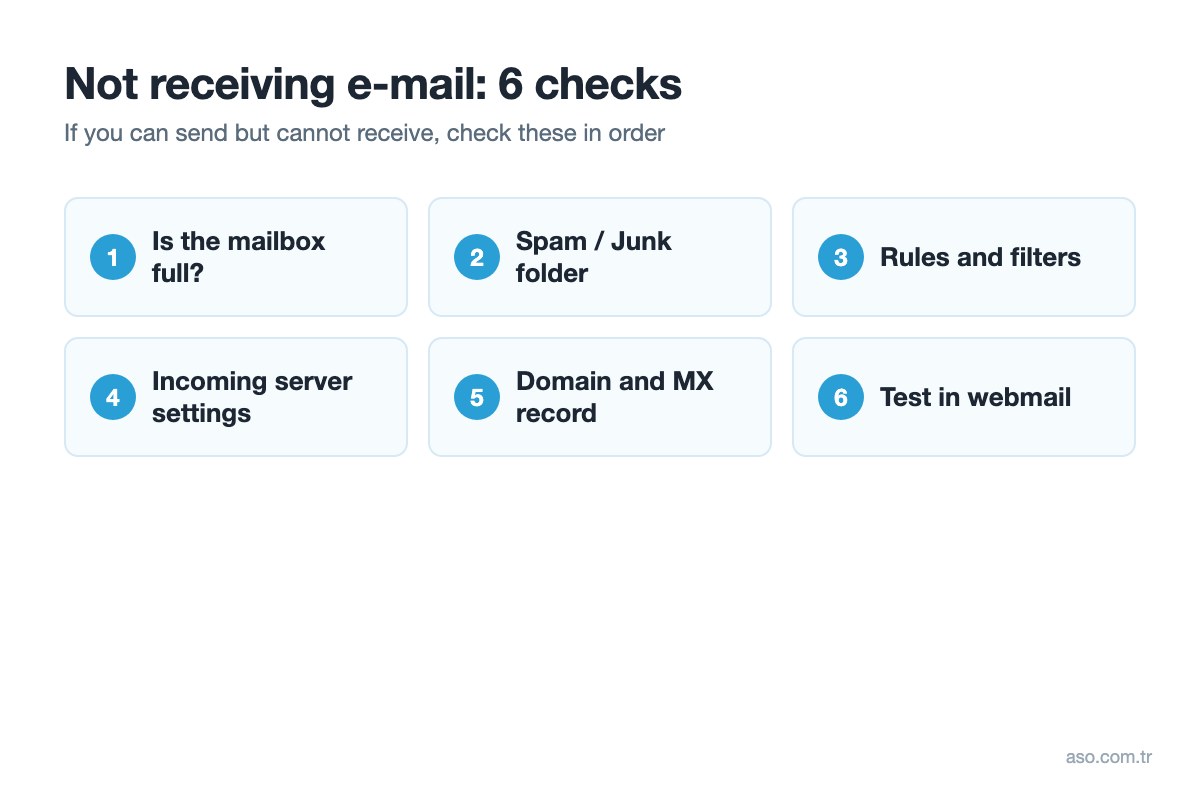
Why am I not receiving e-mail? 6 checks
1. Your mailbox may be full
When the quota is full, senders get a “mailbox full / quota exceeded” bounce and new mail does not reach you. Log in to webmail, check the used space and delete unnecessary or large messages and the Trash.
If you use POP3 on your computer, deleting messages on the server does not delete them from your computer. To stop the quota filling up again, in classic Outlook go to File > Account Settings > Account Settings > select the account > Change > More Settings > Advanced and under “Leave a copy of messages on the server” tick “Remove from server after … days”, e.g. 15 days. With IMAP, messages stay on the server, so archive or delete old mail.
2. Messages may be going to spam or junk
Check the Spam / Junk folders in webmail and in your mail program. If the sender is there, mark it as “not spam” and add it to safe senders.
3. Rules, filters or forwarding
Outlook rules, webmail filters or automatic forwarding can move incoming mail to another folder or another address. Check recently added rules.
4. Incoming server settings may be wrong
Check the incoming server settings in your program. For ASO e-mail accounts:
| Setting | IMAP | POP3 |
|---|---|---|
| Server | smaug.aso.com.tr | smaug.aso.com.tr |
| Port | 993 | 995 |
| Security | SSL/TLS | SSL/TLS |
| Username | Full e-mail address | Full e-mail address |
Setup by device: iPhone · Android
5. Domain expiry or MX record
If your domain has expired or its MX record points to another server, e-mail will not reach you. If you recently moved your domain to another provider, make sure the MX record points to the right server. You can check your domain in the domain panel.
6. Test in webmail
If messages appear in webmail but not in your program, the problem is in the program’s settings. If they are not in webmail either, send a test from another address (e.g. Gmail), note the error code in any bounce (e.g. 550, 552) and send it to our support team.
Not receiving e-mail in Gmail or Outlook.com
In free Gmail and Outlook.com accounts, check the Spam/Junk folder, filters and storage first. Gmail’s 15 GB is shared with Google Drive and Photos; when it is full, new mail cannot be received. In Outlook.com check Settings > Mail > Rules.
Company E-mail PricesSearch a Domain Name
Frequently asked questions
Why am I not receiving e-mail?
The most common causes are a full mailbox, messages going to spam, rules and filters in your mail program, wrong incoming server settings, and an expired domain or wrong MX record.
I can send but cannot receive e-mail – what should I do?
Log in to webmail to see whether messages reach the server. If they are in webmail, fix the incoming server settings in your program; if not, check the quota, spam folder and the domain’s MX record.
My mailbox is full – what should I do?
Delete large and unnecessary messages and the Trash in webmail. If you use POP3, enable “Remove from server after … days” in your program so the quota does not fill up again.
If I delete mail on the server, is it deleted from my computer with POP3?
No. With POP3 messages are downloaded to the computer, so deleting them on the server does not affect local copies. With IMAP, deleting on the server removes the message from all devices.
Why am I not receiving mail in Gmail?
Check the spam folder, Gmail filters and your Google storage. The 15 GB is shared with Drive and Photos; when it is full, new mail cannot be received.

